01
See the portfolio
Start with every property, current attention and the capabilities available to your team.
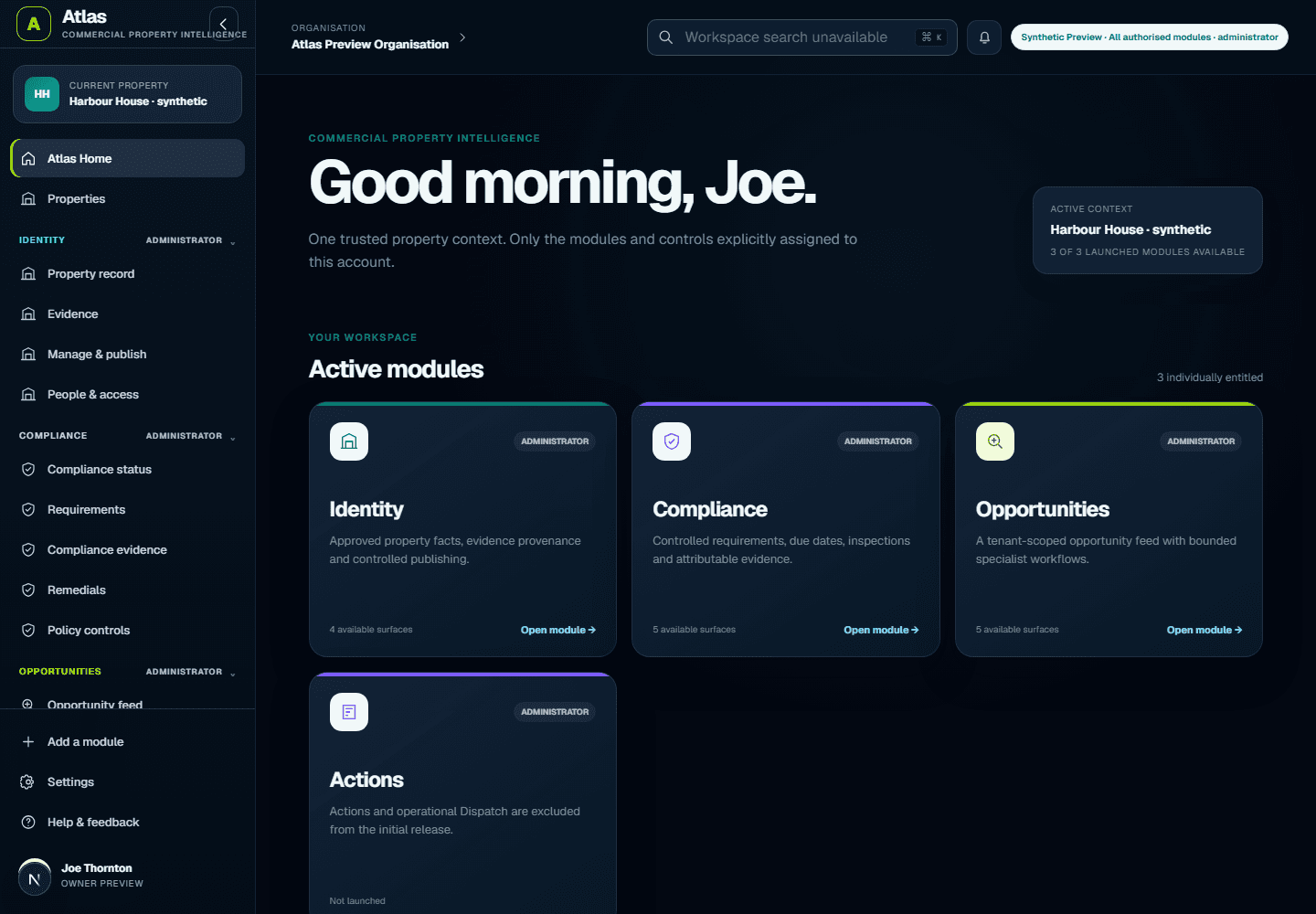
Follow the genuine Atlas interface through a demonstration portfolio. No confidential or customer data is shown.
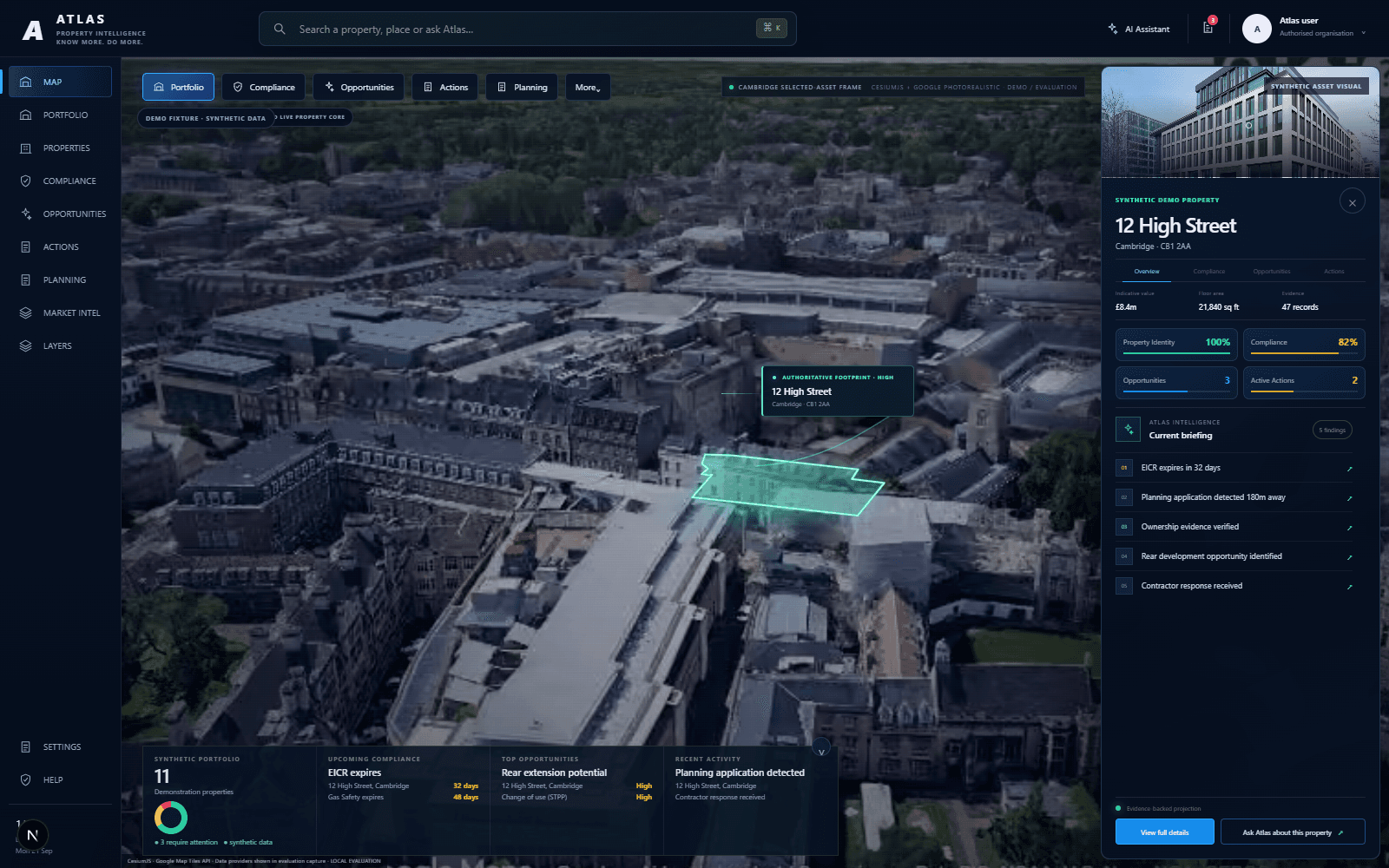
Start with every property, current attention and the capabilities available to your team.
Use Spatial to move from the portfolio into one property without losing the wider context.
Open current attention and compliance items, then inspect the supporting property evidence.
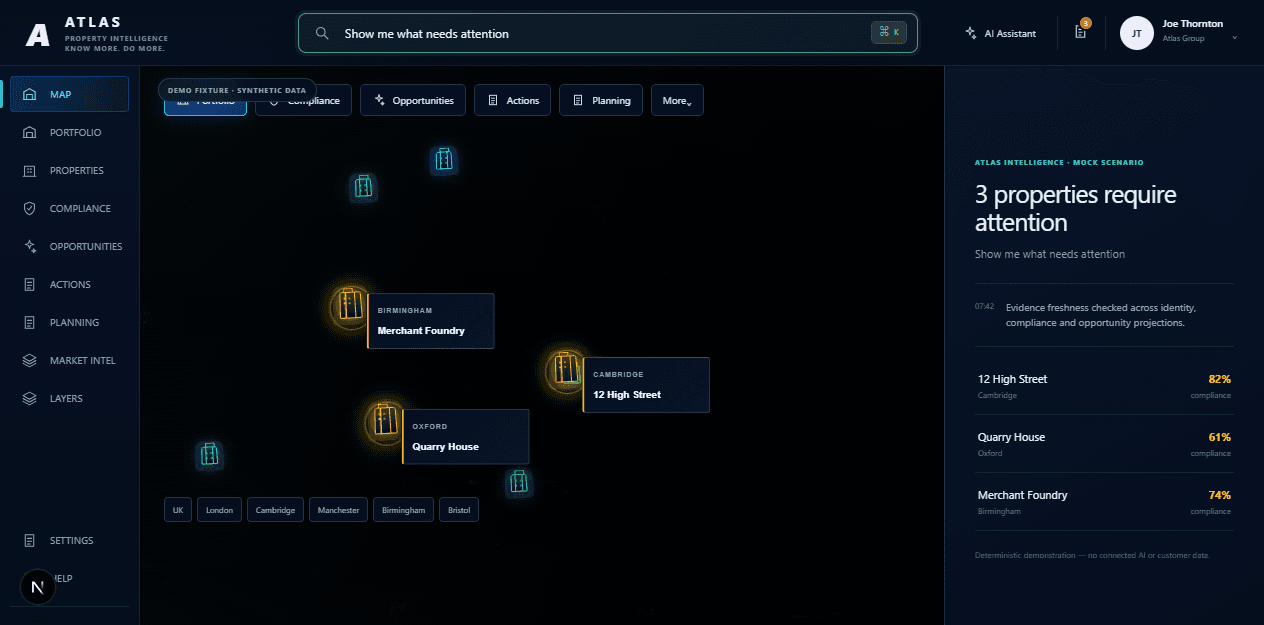
Ask what changed, why it matters and what your team should consider next.
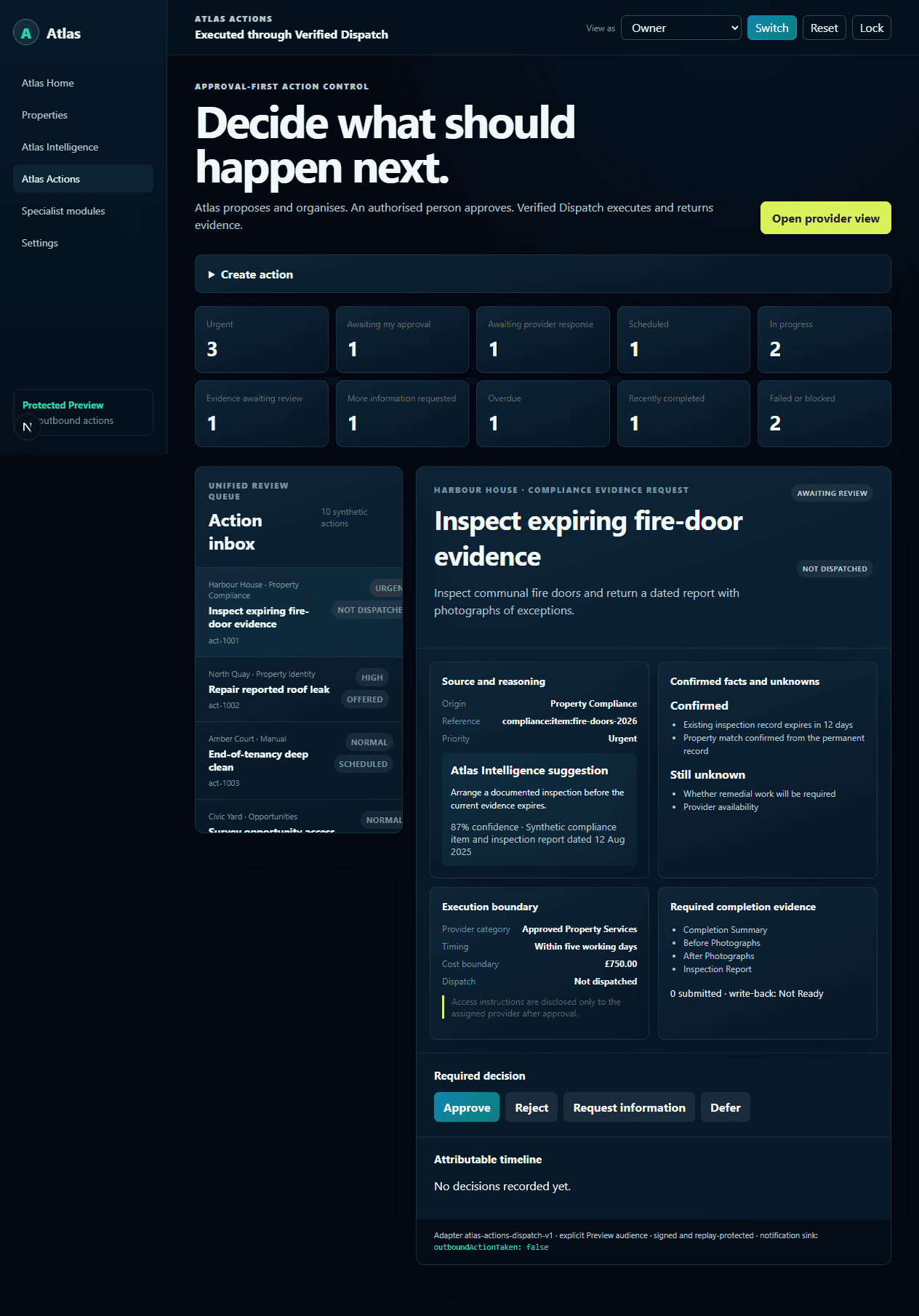
Turn a finding into a reviewable next step while human approval stays visible.
Request Atlas Free access, then follow the organisation and first-property setup when activation is available. No automatic charges.